One window at a time
Pick an app and see only it, large and sharp. Pinch to zoom and trackpad mode for precision.
 ShareMyMac
See and control just the app you need instead of the whole screen. At home over Wi-Fi or from anywhere over the internet, with nothing to set up.
Requires macOS 14 or later and iOS 17 or later.
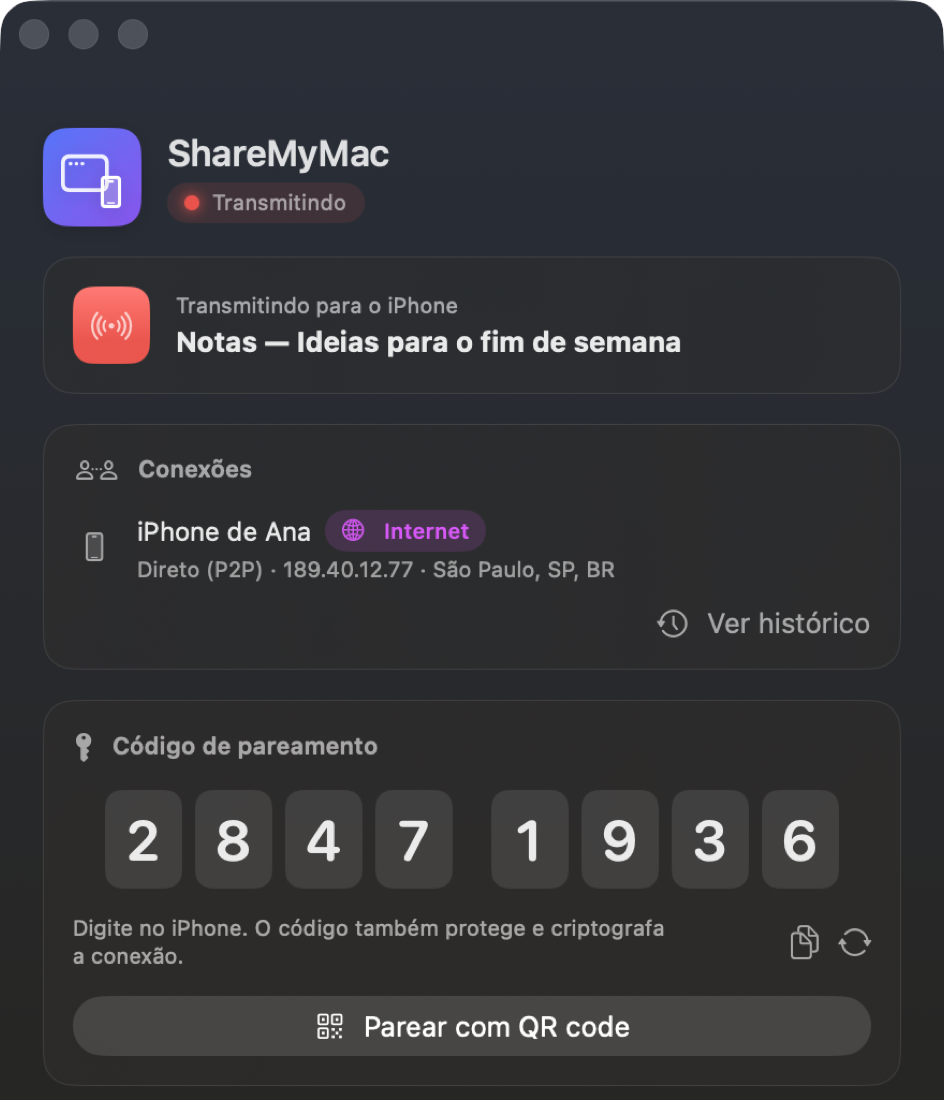
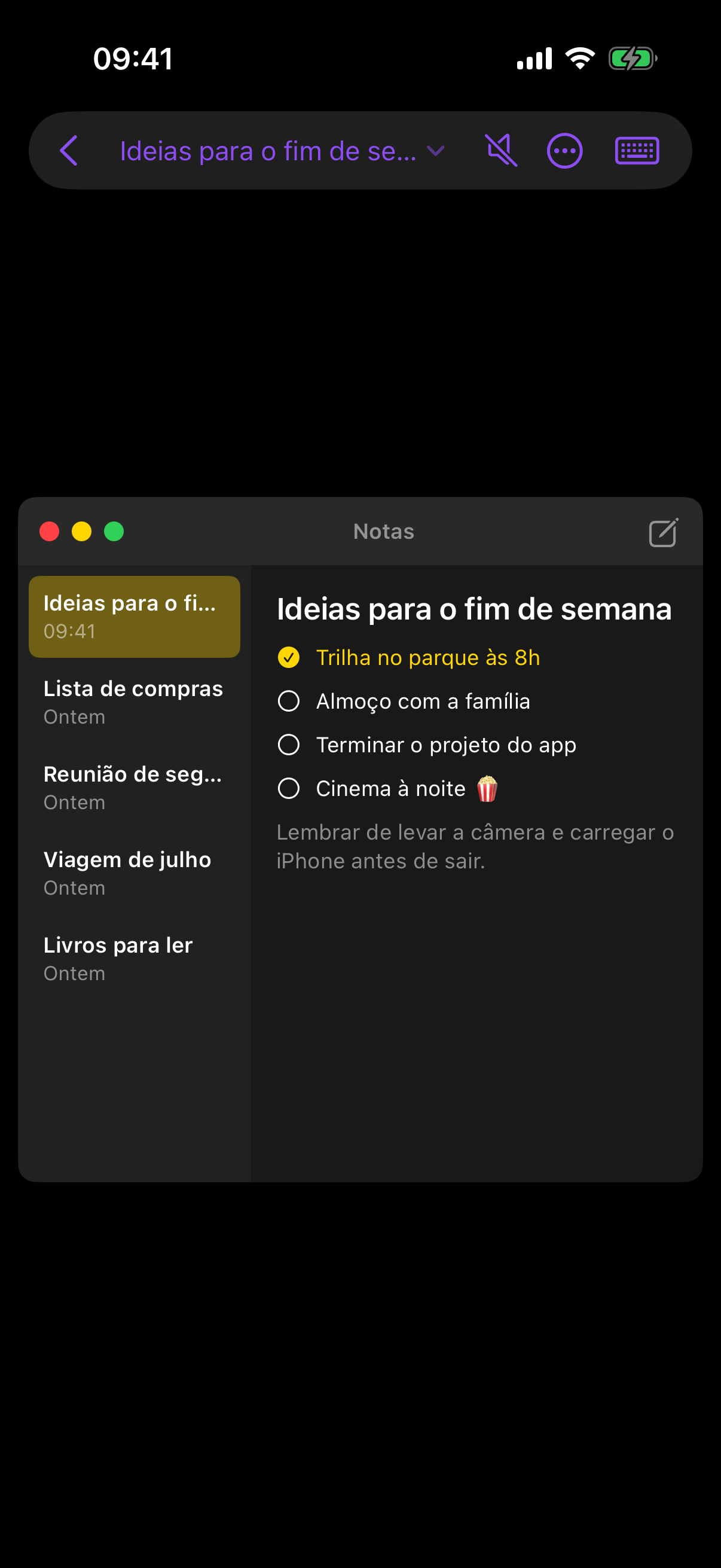
Pick an app and see only it, large and sharp. Pinch to zoom and trackpad mode for precision.
Tap to click, keyboard with ⌘ shortcuts, scrolling, dragging and paste from iPhone.
Direct peer-to-peer connection over the internet, no port forwarding or VPN.
Download from Finder to your iPhone, send photos and files to the Mac and create folders.
Control what's playing, hear a window's audio and record the Mac's microphone.
Unlock your Mac with Face ID, or lock, sleep, restart and shut it down.
Run Mac shortcuts, use widgets, Control Center and “Hey Siri”.
See the Mac's camera live whenever you need to.
The Mac logs every connection: where it came from and what was requested.
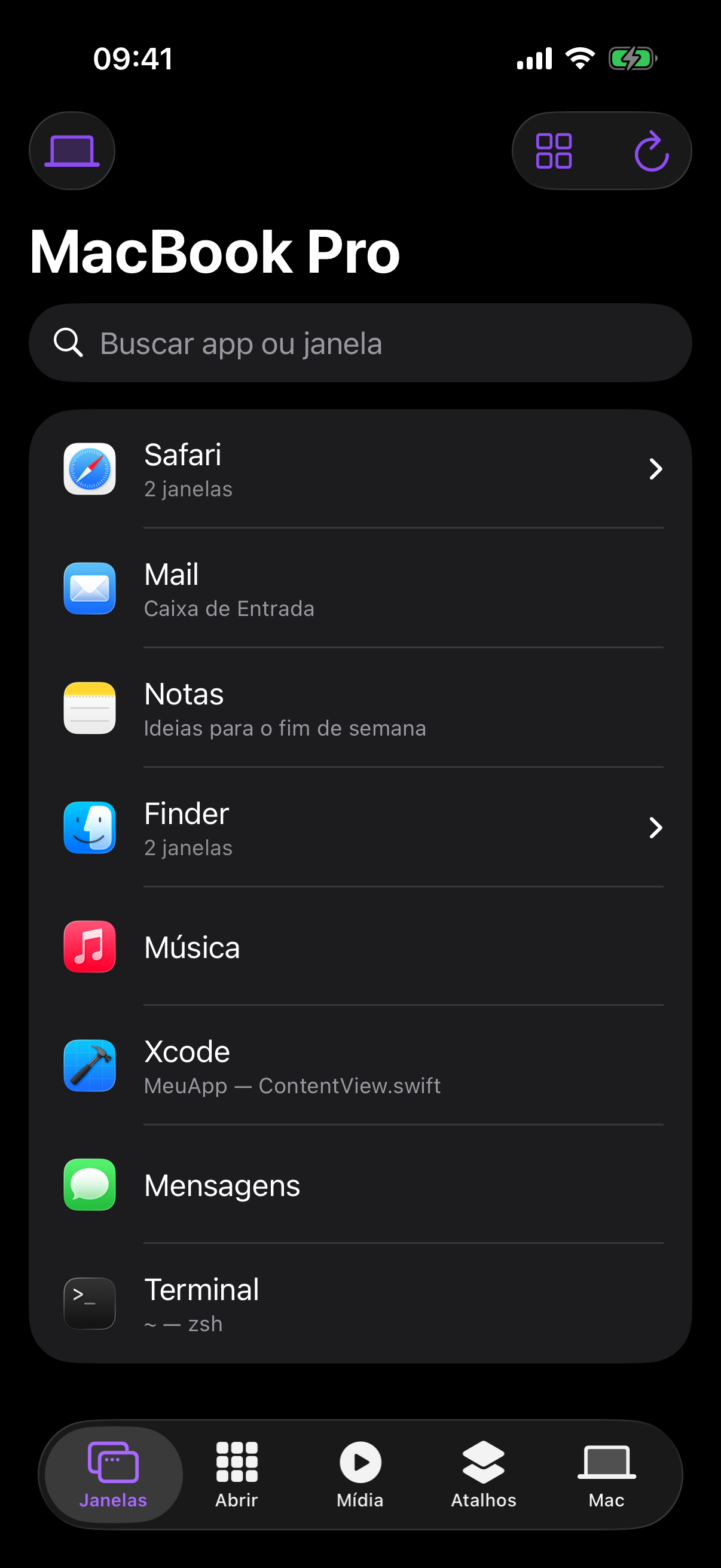
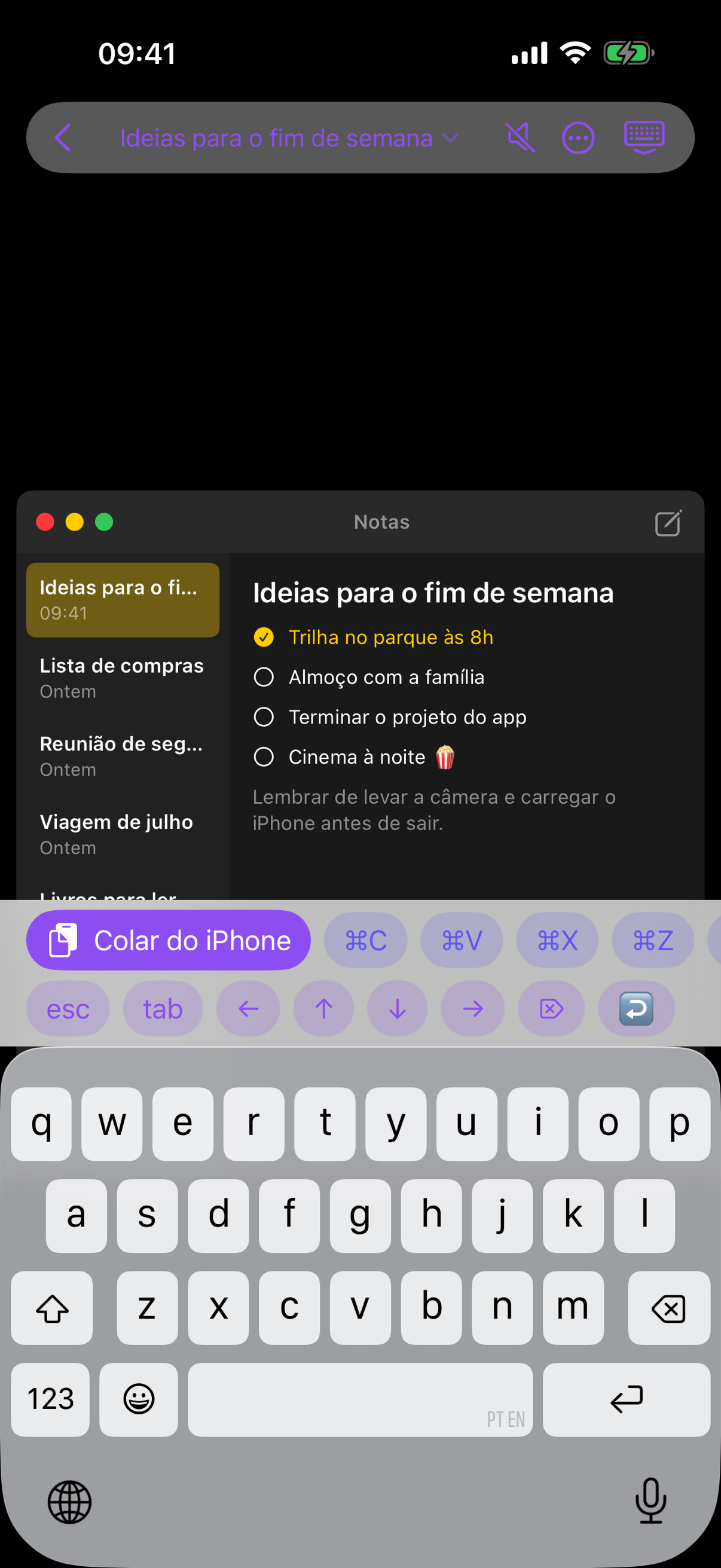
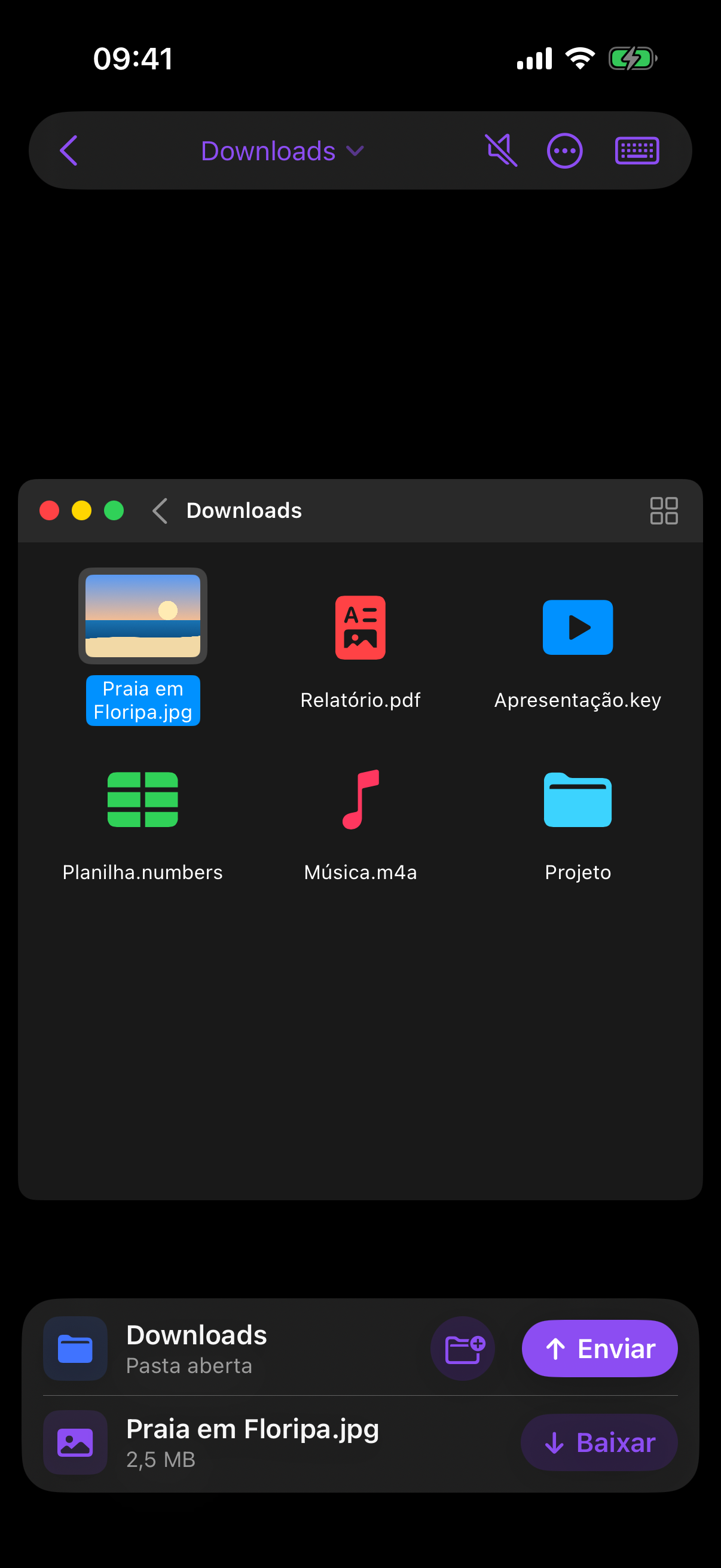
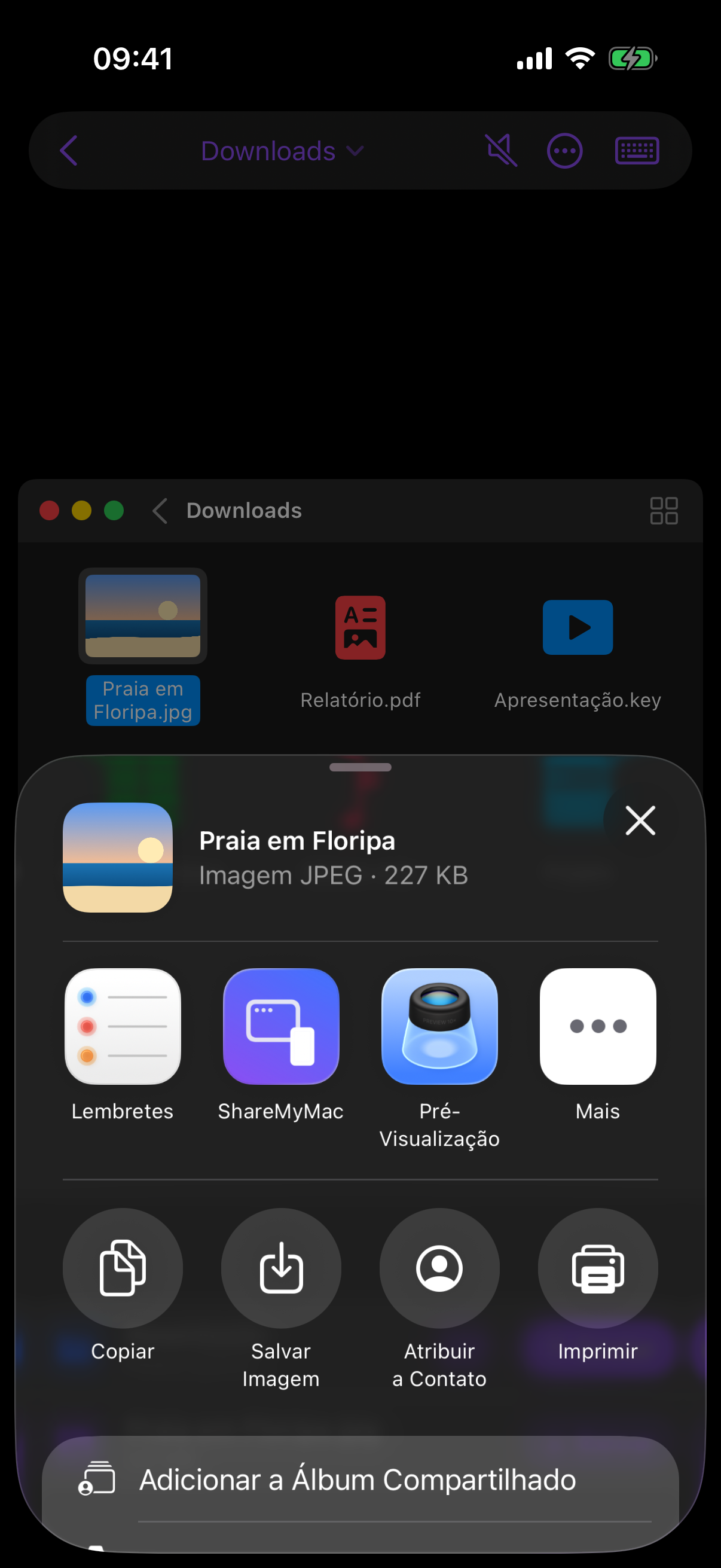
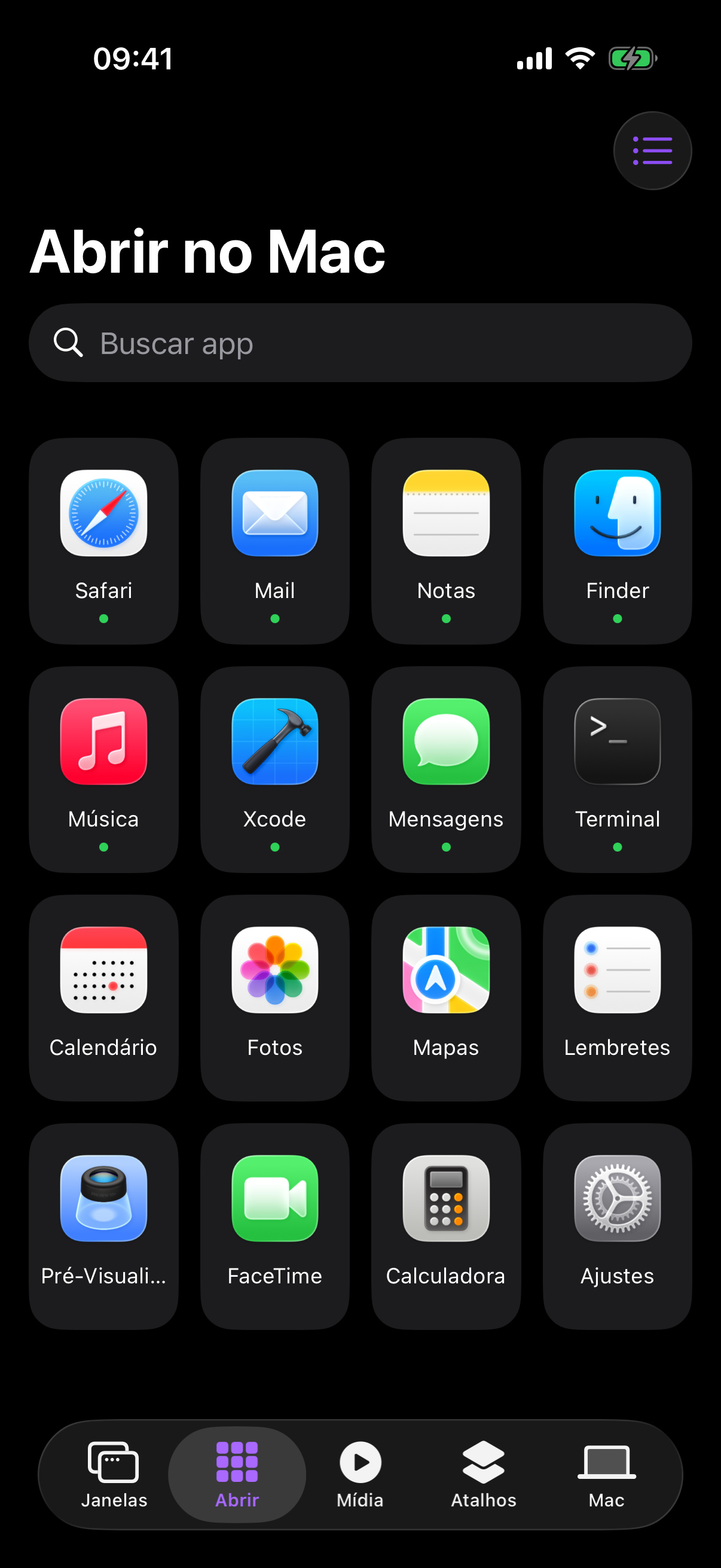
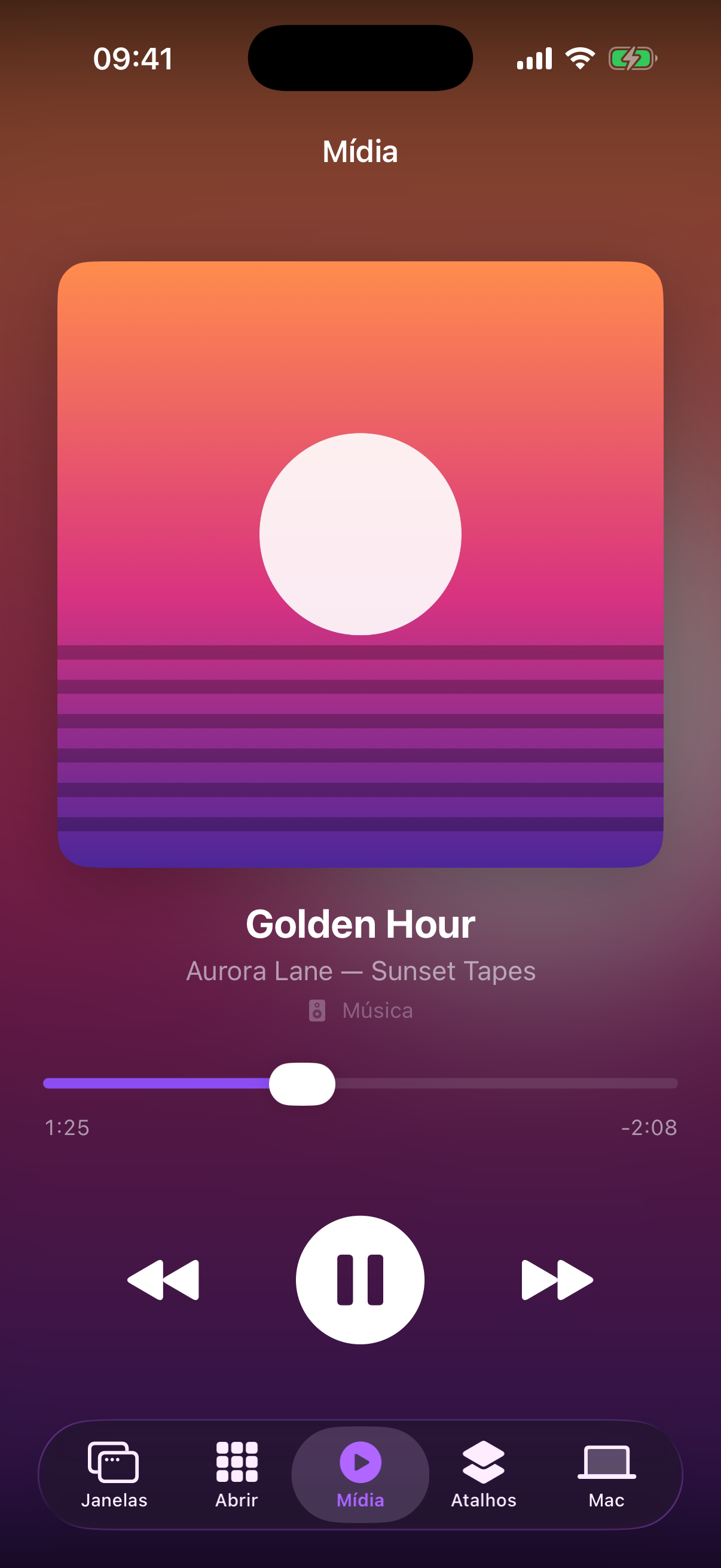
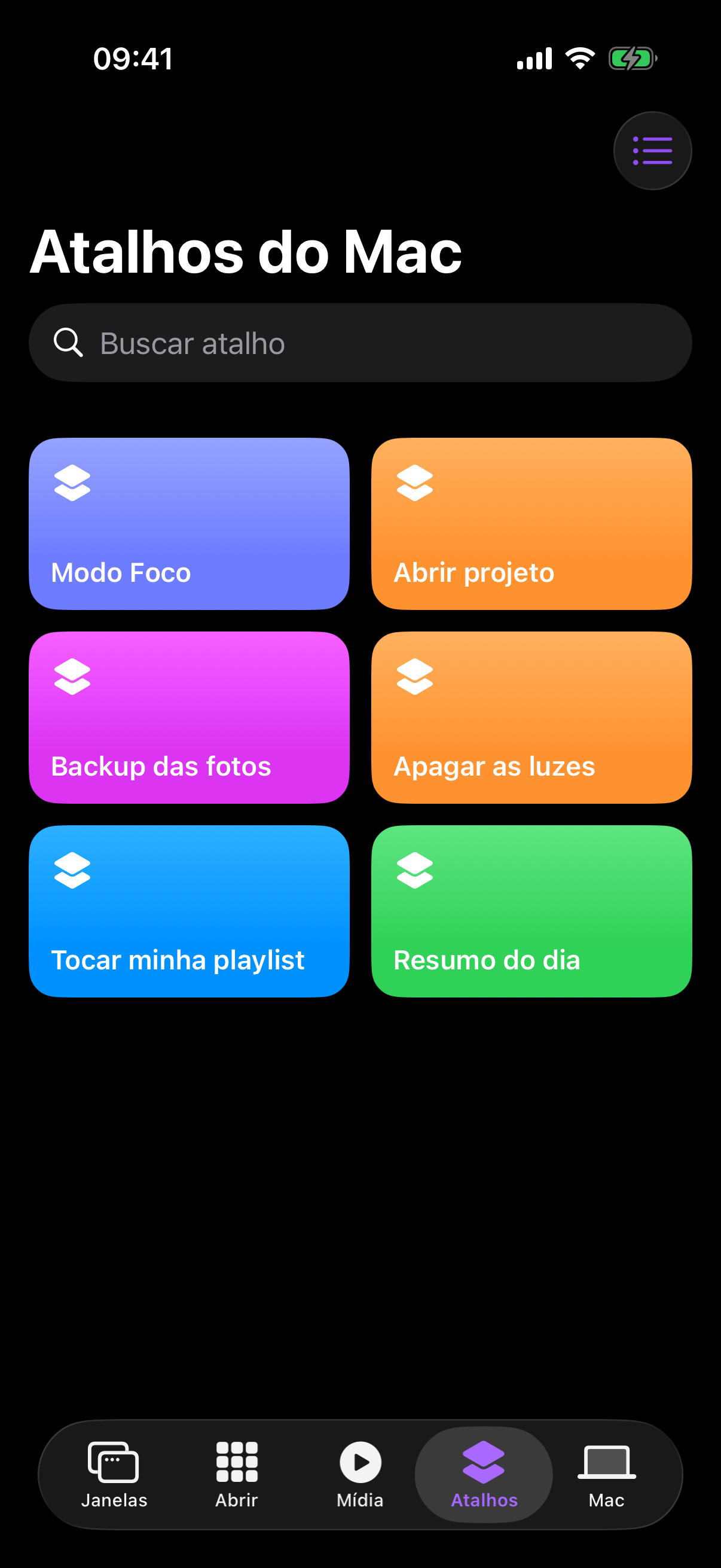
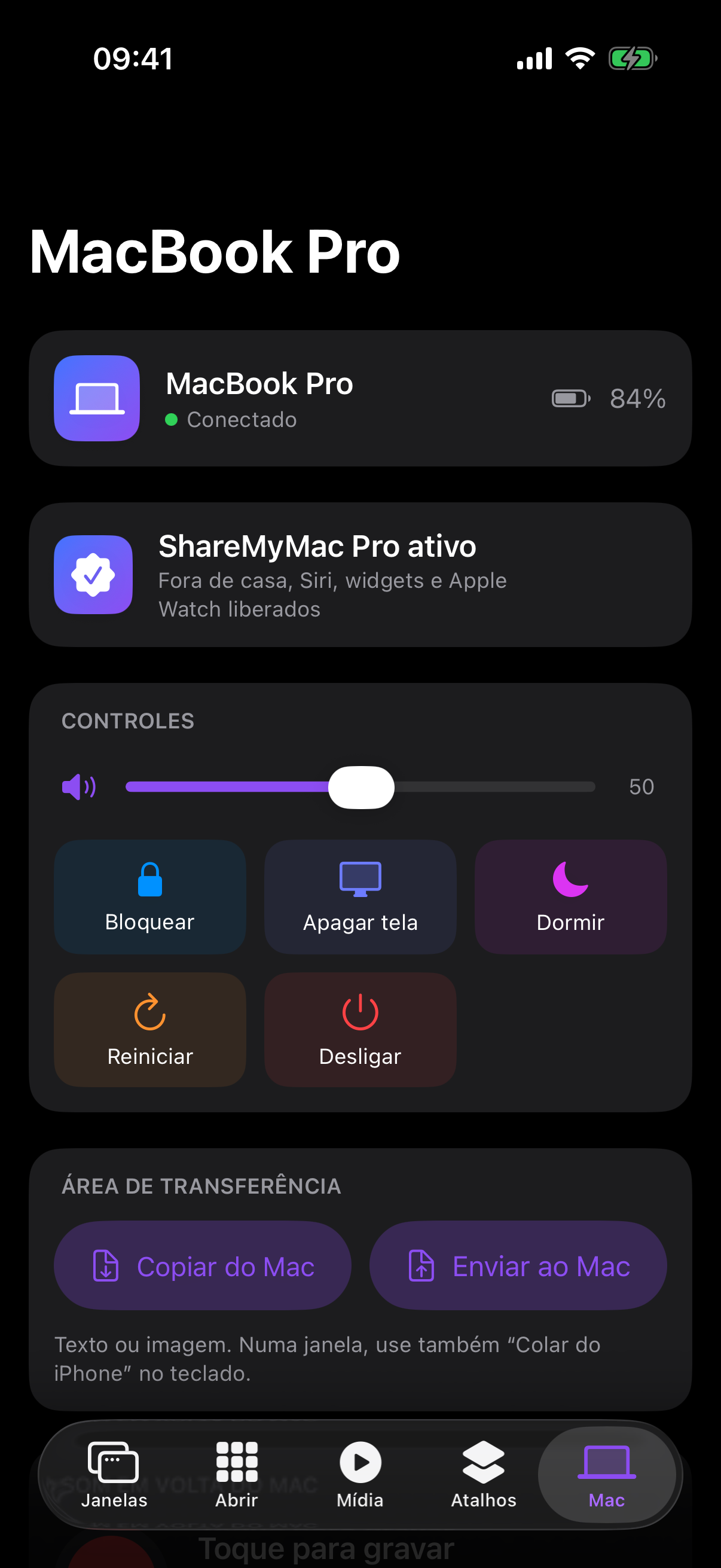
Traditional remote access shows your entire Mac screen, tiny, on a phone. ShareMyMac was made for the iPhone.
The Mac app is always free. On iPhone, use it free at home and pay once only if you want access from anywhere.
$0
forever
$19.99
one-time purchase · no subscription
Purchased in the iPhone app through the App Store. Local prices may vary by country.
Everything is end-to-end encrypted with your Mac's code. Every new iPhone must be approved on the Mac. Our servers only introduce your devices and, when needed, relay data they can't read.
No account, no ads, no tracking.
Privacy policy (Portuguese) →Yes, at home: on the same Wi-Fi network as your Mac, everything works for free, forever. For access from anywhere, ShareMyMac Pro costs $19.99 once, with no subscription, and you can try it for 7 days first.
No. The purchase works on all your devices with the same Apple ID and can be shared with your family.
Media, shortcuts, camera, opening apps and files work. To see windows, unlock it from the app itself with macOS Screen Sharing turned on.
No. The app finds your Mac on its own, at home or over the internet.
It needs permissions (controlling other apps, typing on the lock screen) that the Mac App Store doesn't allow. The download is signed and checked by Apple.